
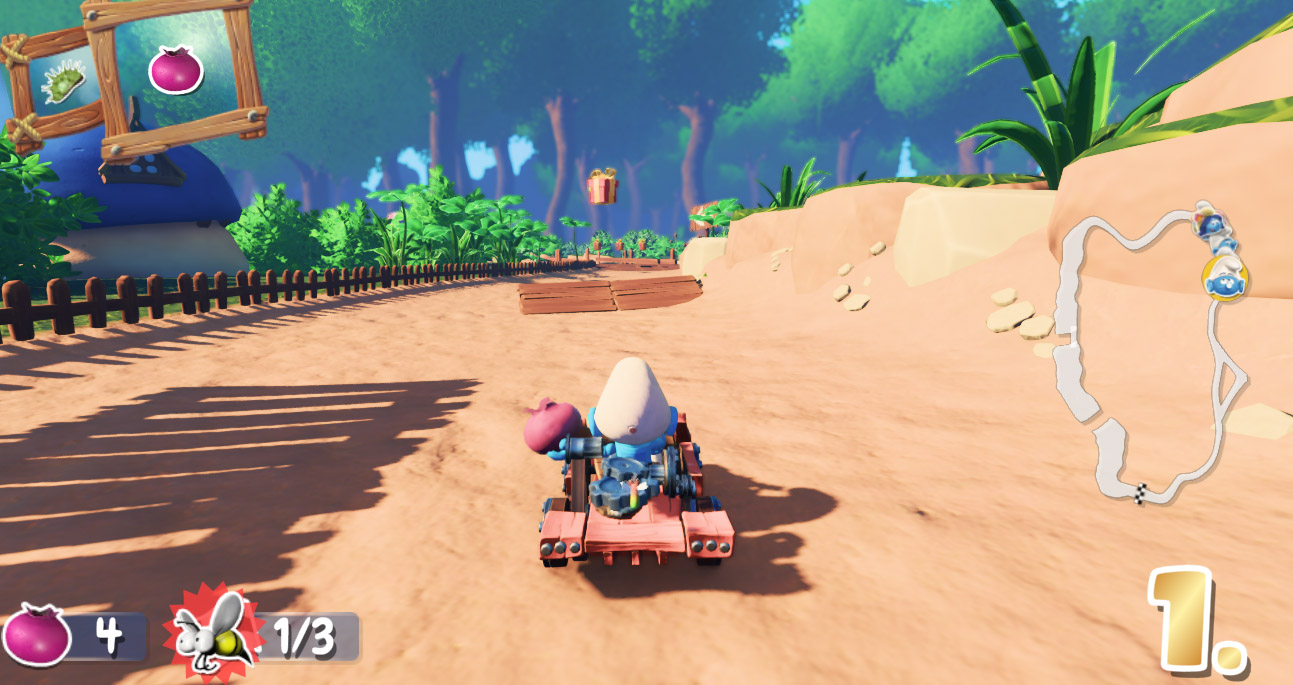

Buying Smurfs Kart through the Microsoft Store should be a fun experience—but for many players, it quickly turns frustrating when Xbox controllers aren’t recognized properly by the game. You fire it up, ready for some blue-tastic racing fun… only to find your inputs aren’t working as expected—or worse, not at all.
The issue? Smurfs Kart seems to play nicer with Xbox 360 controllers than modern Xbox One or Series X/S controllers. Thankfully, there is a workaround—actually, two of them.
- RemoteGamepad (https://remotegamepad.com/)
This handy tool turns your smartphone or another device into a functional gamepad. It’s lightweight, easy to use, and—importantly—recognized by Smurfs Kart. - reWASD (https://www.rewasd.com/)
This powerful remapping software lets you reconfigure your Xbox controller to behave like an Xbox 360 controller. With just a few tweaks, Smurfs Kart suddenly sees your controller and everything works smoothly.
So, while the out-of-the-box experience might not be ideal, you’re not stuck. With the right tool, you’ll be zooming through mushroom-filled tracks in no time.
0 Comments